What's new

Recent product updates from Revise

Folders and Agentic Search
FoldersFolders

Folders

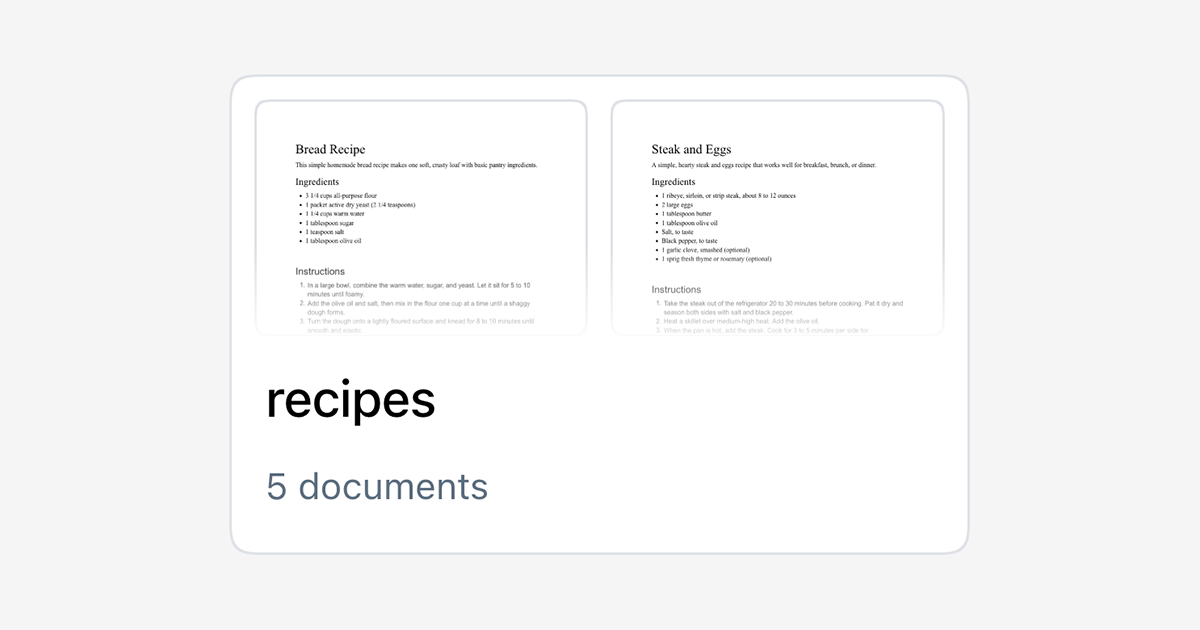
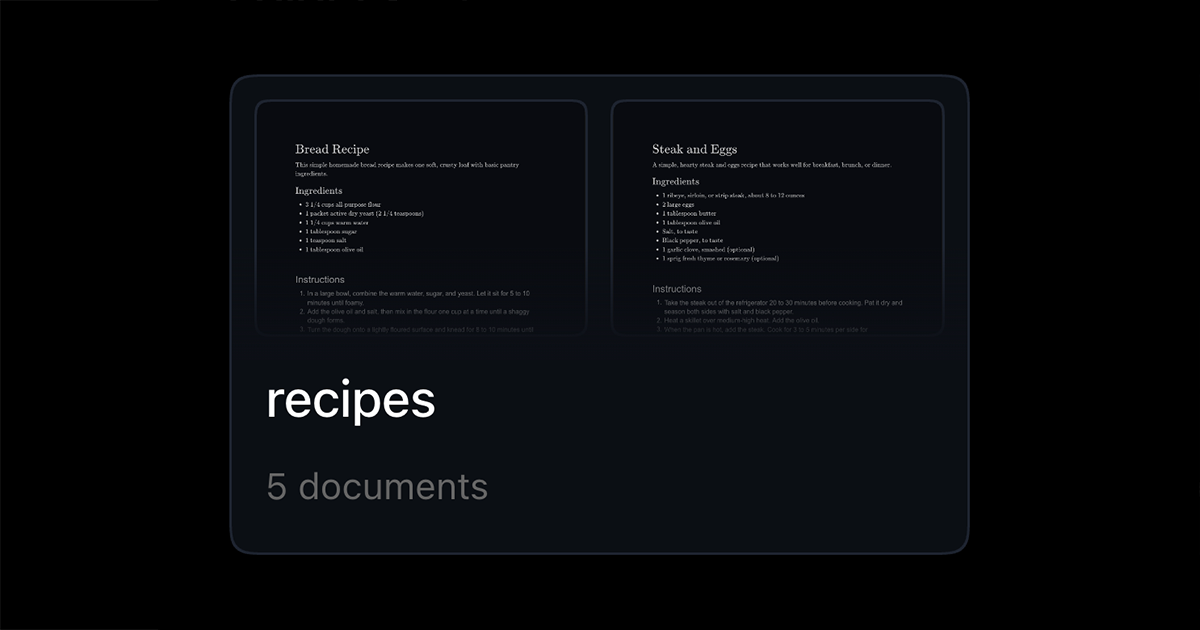
Revise documents can now be organized into folders and sub-folders! Create folders on the Home Page and drag docs into them.

You can undo & redo document move operations with hotkeys: CTRL+Z on Windows, CMD+Z on MacOS.

Agentic Search

The AI Agent can now explore the documents in your account, in specific folders, and even search across them. This is very useful for pulling in context when you're working on a project that spans multiple documents!

Simply tell the agent what to read or what to look for, and it will do the rest! For example, if you were starting a restaurant you could ask Revise "review my recipes folder and let's make a menu out of them."

-

These features make Revise much more useful as a home for your documents! You can now organize and do agentic work across dozens, or hundreds of documents!
Document search

We added document search to Revise. You can now search across the documents in your account from the header, jump straight to a matching document, or open the full results page for a broader look.

If you don't see the search bar, make sure you are signed in!

Revise Instant

Revise InstantRevise Instant

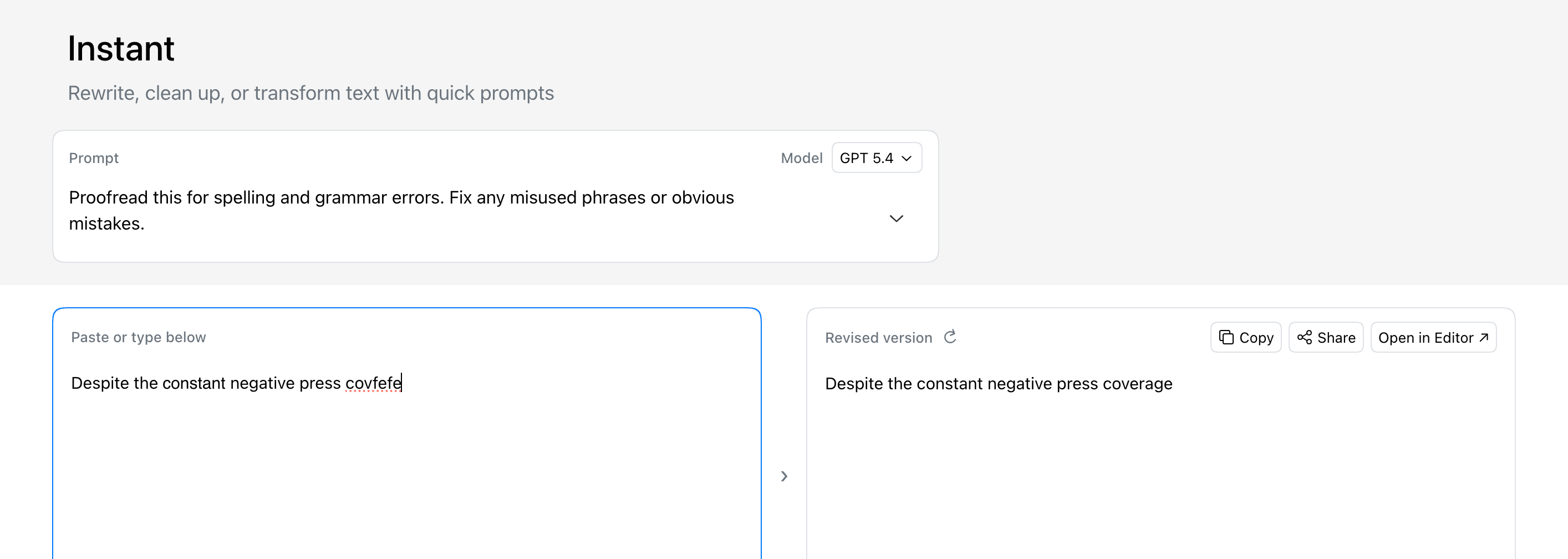
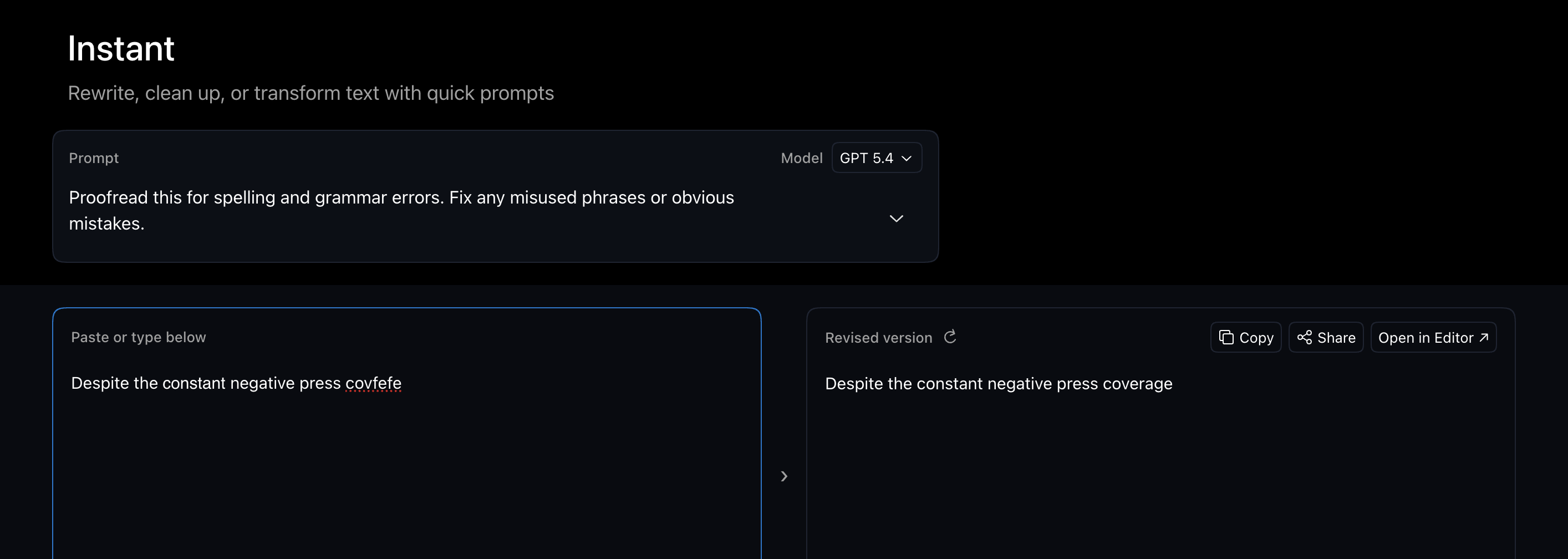
We just launched Revise Instant: a faster way to rewrite, clean up, summarize, translate, and transform text without opening the full editor first.

Choose a prompt or write your own, then paste your text. Instant will give you a revised version immediately. Iterate on your input directly in the Instant UI, or move into the full document editor keep working with the AI agent there.

Instant is faster and uses much less of your monthly limit than the full editor. It's perfect for polishing emails, notes, marketing copy, or other shorter text samples. Instant can be much more efficient for simple repetitive workflows.

Try Instant today!